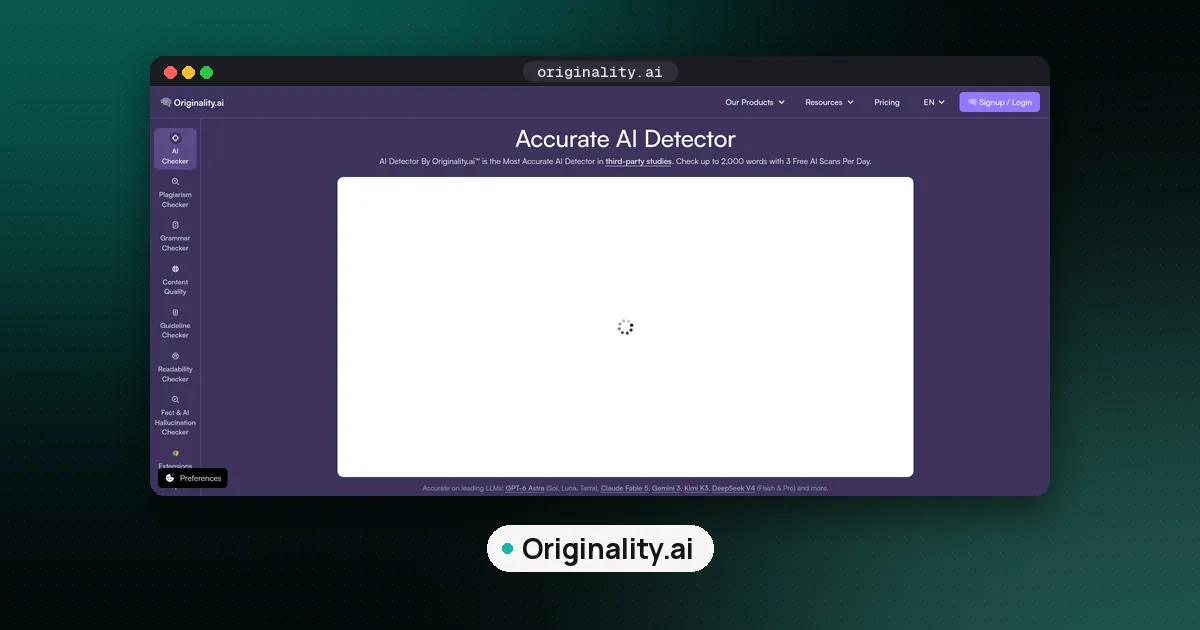
How to use Originality.ai for free has changed: the "three free scans a day" offer is no longer on Originality.ai's own pages. Originality.ai now gives 100 free credits per account, once, which its pricing page equates to 10,000 words on the standard model (pricing; homepage FAQ). You can paste text into the homepage detector, but the free allowance is counted against that one time limit, and when it runs out you buy credits or a plan. Originality.ai does not offer a full free trial of the paid suite.
This guide walks through the free scan steps, how fast each model burns your 100 credits, what free covers versus Pro and Enterprise, privacy differences between anonymous and signed in use, and how to read scores without treating them as guilt. It also points to freemium alternatives such as GPTZero and Pangram, and to institutional Turnitin when schools already license detection. If you are new to the topic, start with what AI detection is and how its scores should be read.
Is Originality.ai free?
Partly, and only once. As of October 24, 2026, the vendor's homepage FAQ answers "Is Originality.ai free?" with: you can use it for free "with a limit of 100 credits per account." The pricing page lists the Free tier at $0, "10K words (100 credits one time)", with 1 credit equal to 100 words and the option to buy more. The FAQ also says you do not need an account to run a free scan, but the limit still applies, and signing up is the route to more scans.
If you read an older guide (including an earlier version of this one) promising three free scans a day, that offer is no longer described on Originality.ai's own pages. Treat the live homepage FAQ and pricing page as the source of truth, and check your balance after signing up.
How to use Originality.ai for free (step by step)
- Go to originality.ai and open the on page AI detector, or create a free account to see your 100 credit balance.
- Add text by paste or file upload, depending on what the free surface exposes that day.
- Keep the sample at least 100 words. Scans enforce a 100 word minimum; shorter text is less reliable and may be rejected (minimum word counts).
- Pick the cheapest model that fits. Credit use depends on the model, per the help center (updated October 20, 2026):
- Originality 5.0 without DeepScan: 1 credit per 100 words, so 100 credits covers about 10,000 words.
- 5.0 with DeepScan: 5 credits per 100 words, about 2,000 words.
- 5.0 Max: 10 credits per 100 words, about 1,000 words.
- 5.0 Max with DeepScan: 50 credits per 100 words, about 200 words.
- Click Scan, then read the AI likelihood and classification carefully (see "How to read the score" below).
- Watch your balance. Ticking plagiarism as well as AI detection halves the words per credit, and going one word past a credit boundary costs another credit (How many words does a credit scan?).
Practical tips for the free credits:
- Prefer whole sections over cherry picked sentences. Detectors need enough prose to place a passage.
- Do not spend credits on near identical pastes. Change the draft between runs if you are testing edits.
- Leave plagiarism unticked unless you need it; on a one time allowance it doubles the cost of every scan.
What free covers vs what you pay for
| Capability | Free / no account (typical) | Paid (Pro / Enterprise / credits) |
|---|---|---|
| AI detection scans | 100 credits once per account (about 10,000 words on 5.0) | Monthly credits on a subscription, or pay as you go credits |
| Account required | Not to try a scan; the limit is per account | Yes |
| Plagiarism, readability, fact check suite | Limited or not on the anonymous free path | Included on paid plans per pricing table |
| Chrome / Google Docs extension features | Not the full logged in workflow | Login backed scans, Writer Replay, shareable reports (Chrome extension help) |
| Scan history and shareable PDFs | Limited | History windows and sharing on paid tiers |
| API / team roles | No | Enterprise and API options |
Pro is listed around $14.95 per month on monthly billing, or about $12.95 per month when billed annually; Enterprise is listed around $136.58 per month with a large monthly credit allotment (for example 15,000 credits) and API/team features (pricing). Dollar amounts move with promotions and billing cycle. Always confirm on the live pricing page before you buy.
How credits work (once you leave free)
Once your 100 free credits are gone, you keep paying in the same credits. On the standard model each credit covers between 50 and 100 words:
- If both Detect AI and Check Plagiarism are selected, roughly 50 words per credit.
- If only one of those boxes is checked, roughly 100 words per credit.
Going one word over a credit boundary costs another credit (How many words does a credit scan?). Per scan caps on the platform are large (help lists 50,000 word ceilings for AI and plagiarism scans), but your balance and plan still gate how much you can run.
Credit expiry also differs by purchase type: the vendor's FAQ and refund policy say pay as you go credits expire two years after purchase, while subscription credits expire at the end of the monthly billing cycle if unused (FAQ; refund policy).
Privacy: free paste vs account
Originality.ai states that text entered into the free AI detector may be used for training. Users with an Originality.ai account can opt out of data use for AI training and can request account/data removal (homepage FAQ).
That matters for student essays, unpublished manuscripts, client drafts, and anything confidential. If privacy is the priority, create an account, review the training opt out and retention settings, and avoid pasting sensitive text into the anonymous free box. If you only need a quick, nonsensitive check of published marketing copy, the free path is usually enough.
How to read the score (and what not to do)
Originality.ai describes AI scores as probabilities, not verdicts. A "Likely Original" result with a confidence percentage means the model thinks the text is human written at that confidence, not that authorship is proven. AI Allowance lets you choose how much AI you tolerate in hybrid workflows, so the displayed result can reflect whether the estimated AI share is above or below your allowance (FAQ).
The vendor also notes:
- Tools that rewrite with AI (some Grammarly/Quillbot-style flows) can raise scores.
- Short text hurts accuracy; keep the 100 word minimum in mind.
- An AI score should not be used alone for academic discipline or hiring decisions. Keep a human reviewer in the loop (FAQ; Chrome extension help).
For independent accuracy context across detectors, including Originality.ai alongside GPTZero and Pangram, see our guide Are AI detectors accurate?. For classroom workflows that route through school licenses, see GPTZero vs Turnitin. For Originality.ai versus Turnitin specifically, see Originality.ai vs Turnitin. For a freemium competitor comparison, see Pangram vs GPTZero.
When free Originality.ai is enough, and when to switch tools
Stay on free Originality.ai when:
- You need a handful of AI likelihood checks on blog posts or newsletter drafts, about 10,000 words in total on the standard model.
- You are testing the tool once before deciding whether to buy.
- You accept the free path privacy tradeoffs for that document.
Create a paid Originality.ai account when:
- You need plagiarism checks, bulk scans, shareable reports, Chrome/Docs Writer Replay, or API volume.
- You want training opt out and longer scan history.
Prefer another free/freemium detector when:
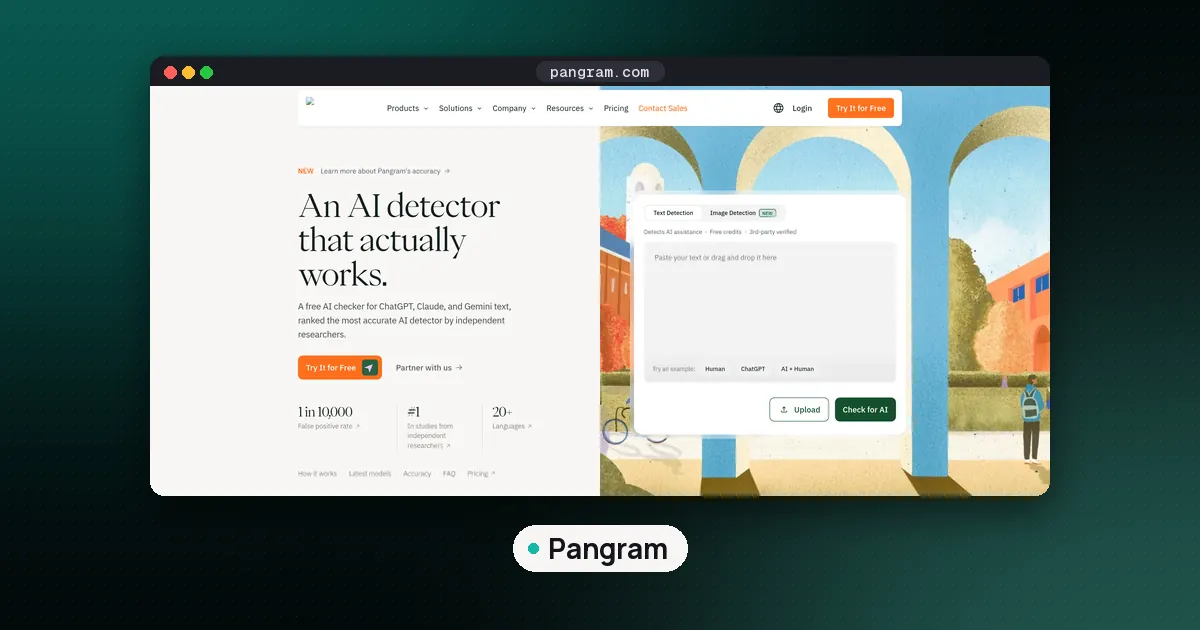
- You want a free allowance that renews: Pangram gives 20 credits a day (up to 2,000 words) on its Free plan (Pangram), and GPTZero has its own monthly free tier.
- Your school already uses Turnitin; student workarounds do not replace institutional policy.
FAQ
Is Originality.ai free?
Only once. Originality.ai gives each account 100 free credits, one time, which equals about 10,000 words on the standard 5.0 model and far fewer on Max or DeepScan (pricing). There is no free trial of the full product.
Do I need an account for free scans?
Not to try it. The homepage FAQ says you do not need an account to run a free AI scan, but the free limit is 100 credits per account, and you sign up to scan more words or run more scans.
Is the free Originality.ai detector accurate?
It uses the same product family as the paid detector, but accuracy still depends on text length, editing, and model version. Keep samples at least 100 words, and never treat a single score as proof. See Are AI detectors accurate? for study context.
How does Originality.ai work?
The vendor describes its AI Checker as based on a modified BERT style model inside a patented text analysis system, producing probabilistic AI versus original (human) scores (FAQ). Paid workflows add plagiarism, readability, fact check aids, and Google Docs replay tools.
Can I use Originality.ai for free forever?
No. The free allowance is 100 credits once per account and does not reset. After that you buy pay as you go credits, which expire two years after purchase, or a Pro or Enterprise plan.
Originality.ai free vs GPTZero or Pangram, which should I pick?
Use free Originality.ai to test the tool on a few short publisher style pieces. For an allowance that renews, trial GPTZero or Pangram if their freemium word budgets fit better. For graded coursework, follow whatever your institution licenses, often Turnitin, rather than a consumer free tool.